 Hy
Hy
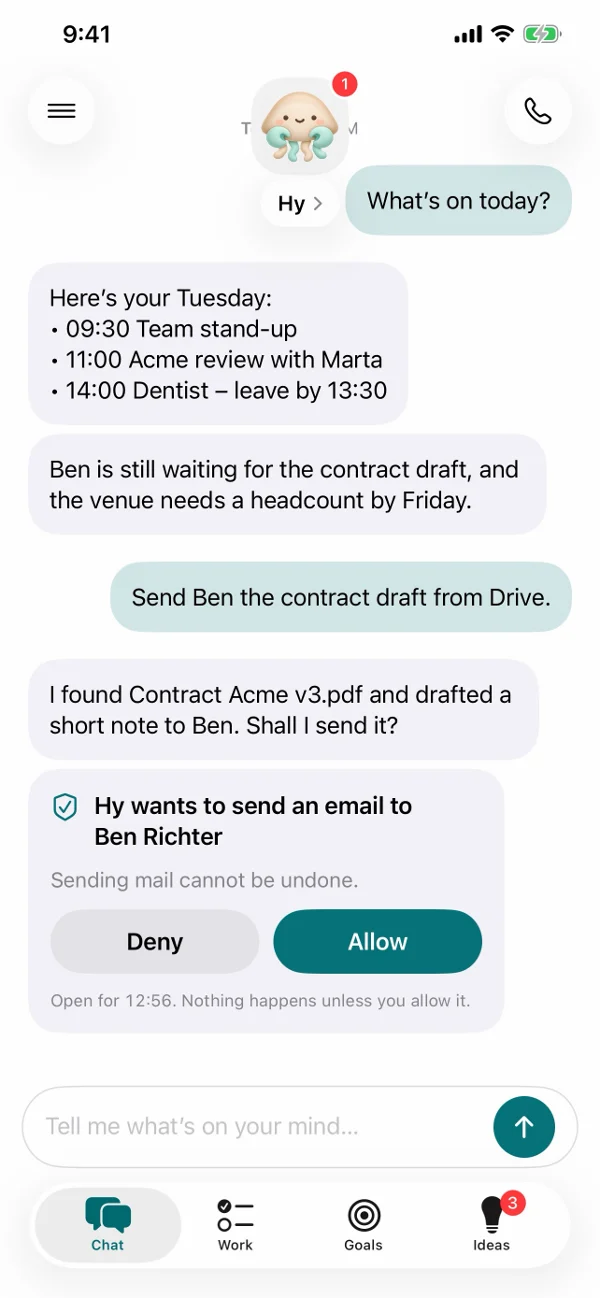
Ask in a sentence, get it done in one conversation
- “What's on today?”
- “Reply to the long thread from Marta”
- “Summarize the PDF Ben just sent”
- “Ideas for the long weekend”
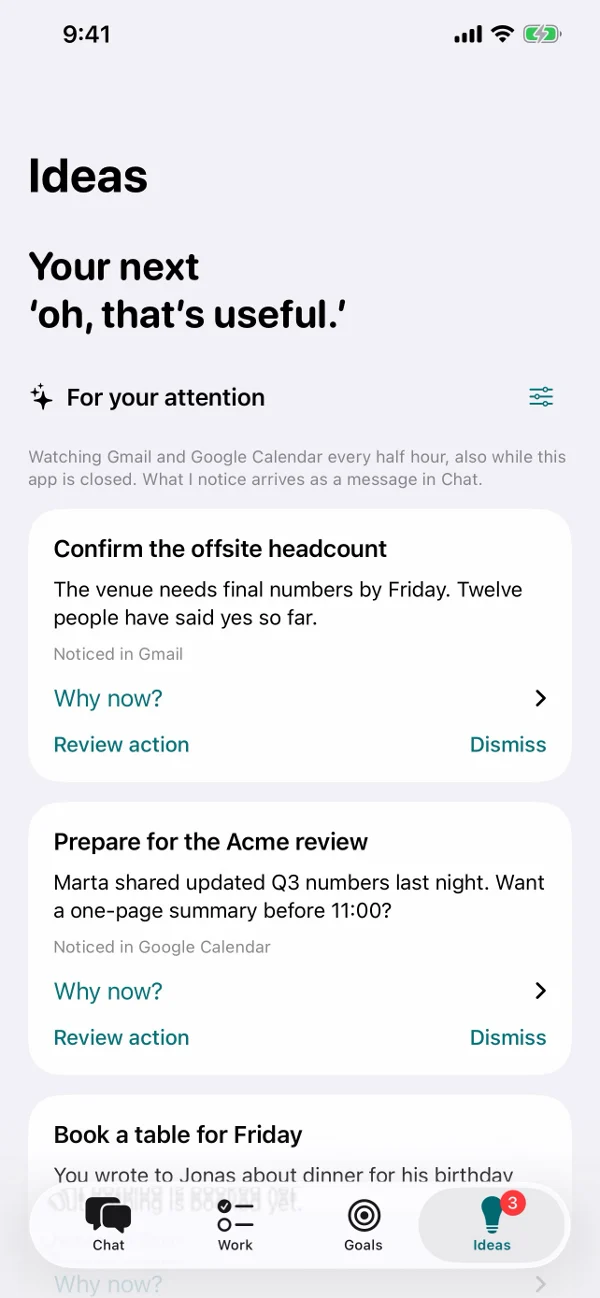
Knows what needs you
Connect Gmail and Google Calendar or Microsoft 365, and Hy looks through them for you every half hour, in the cloud, even while the app is closed. When something needs you, a headcount that's due or a meeting that moved, Hy tells you in the chat, with a short reason why now.
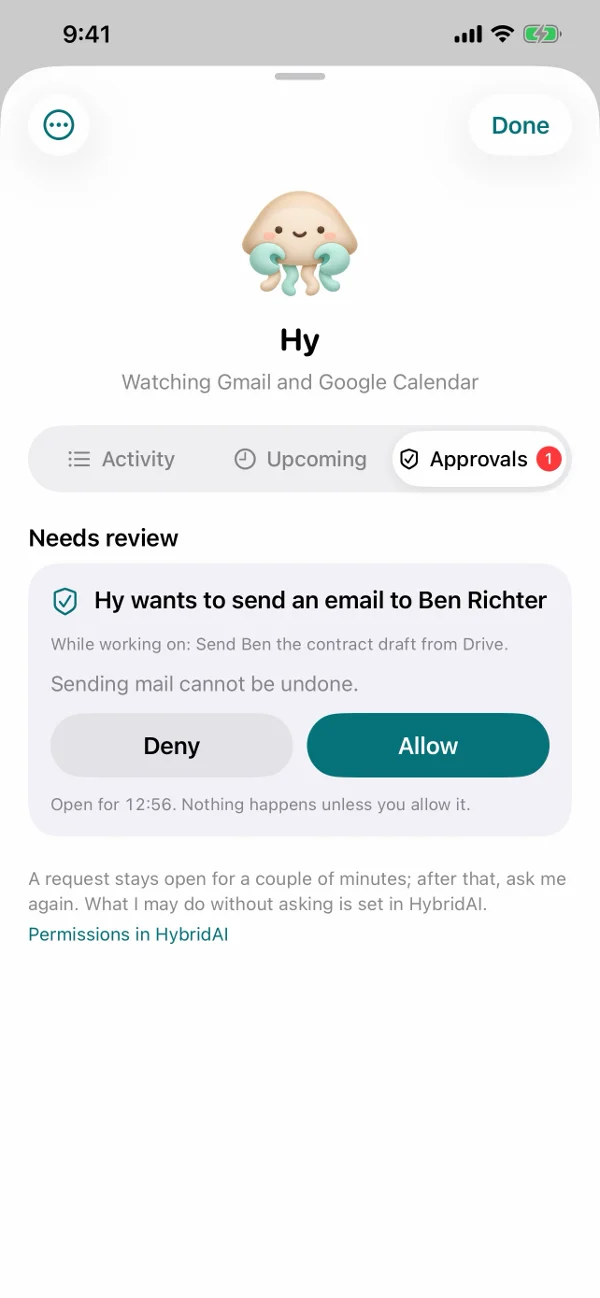
You stay in control
Before Hy sends an email or changes anything in a connected account, it asks. You see what it wants to do and why, and nothing happens unless you tap Allow. Every request is listed under Approvals, next to what Hy did and what is coming up.
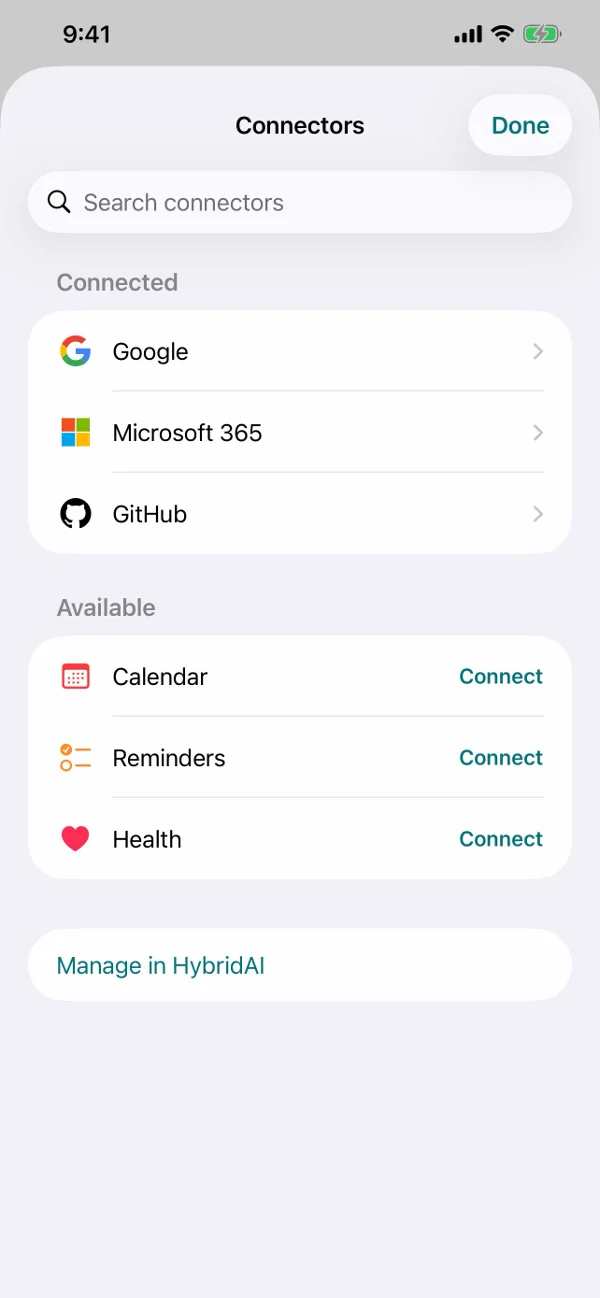
Connect what you use
Google (Gmail, Calendar, Drive), Microsoft 365 (Outlook, OneDrive), GitHub, and mailboxes such as GMX, WEB.DE or iCloud Mail. You choose each connection, and you can disconnect any time.
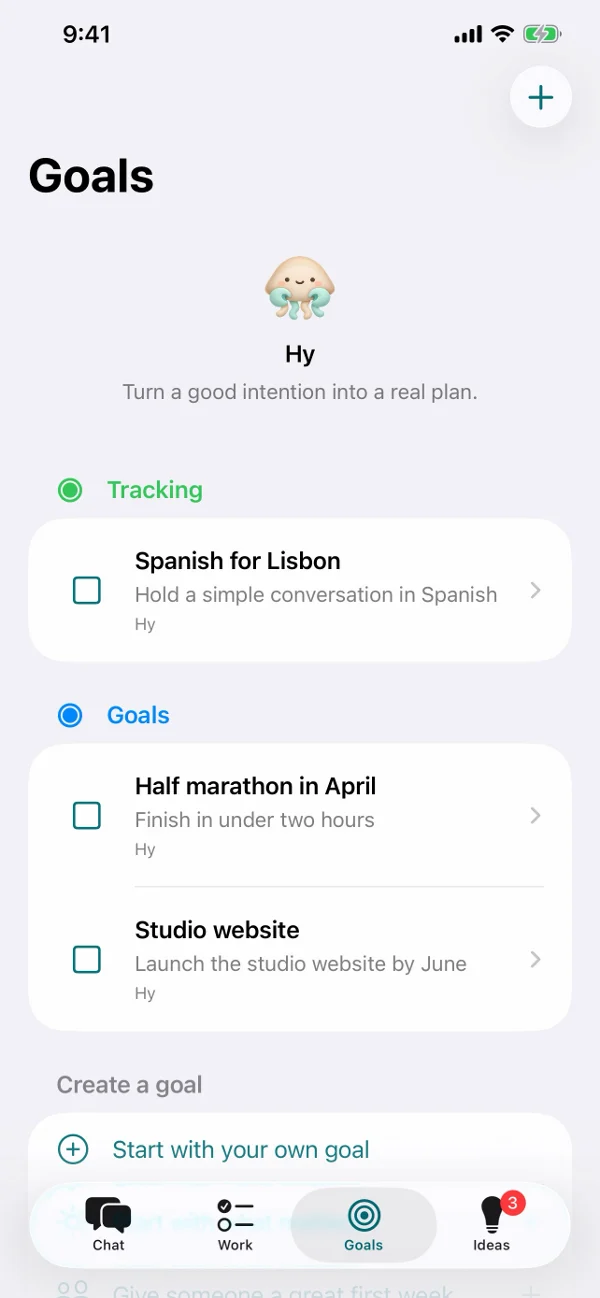
Goals, todos and ideas
Turn a good intention into a plan: Hy breaks a goal into steps and checks in on them. Today's todos sit at the top of Goals, and Ideas suggests what Hy could take off your plate next.
Your data stays yours
Consent first
Hy asks for your consent before your messages go to AI services. You can switch that off at any time.
Read-only on your phone
Calendar, contacts and health data from your phone are shared read-only, and only if you turn them on.
Leave whenever you like
Disconnect any source, or delete your account from Settings. Hy runs on your HybridAI cloud assistant.

Meet Hy soon.
Hy is in testing for iPhone and Android right now. Join the waitlist and we'll tell you the day it's out. Hy needs a HybridAI account; you manage your account, connections and permissions at hybridai.one.